Movtro for telecom and ISP
New connections and network work, crew by crew
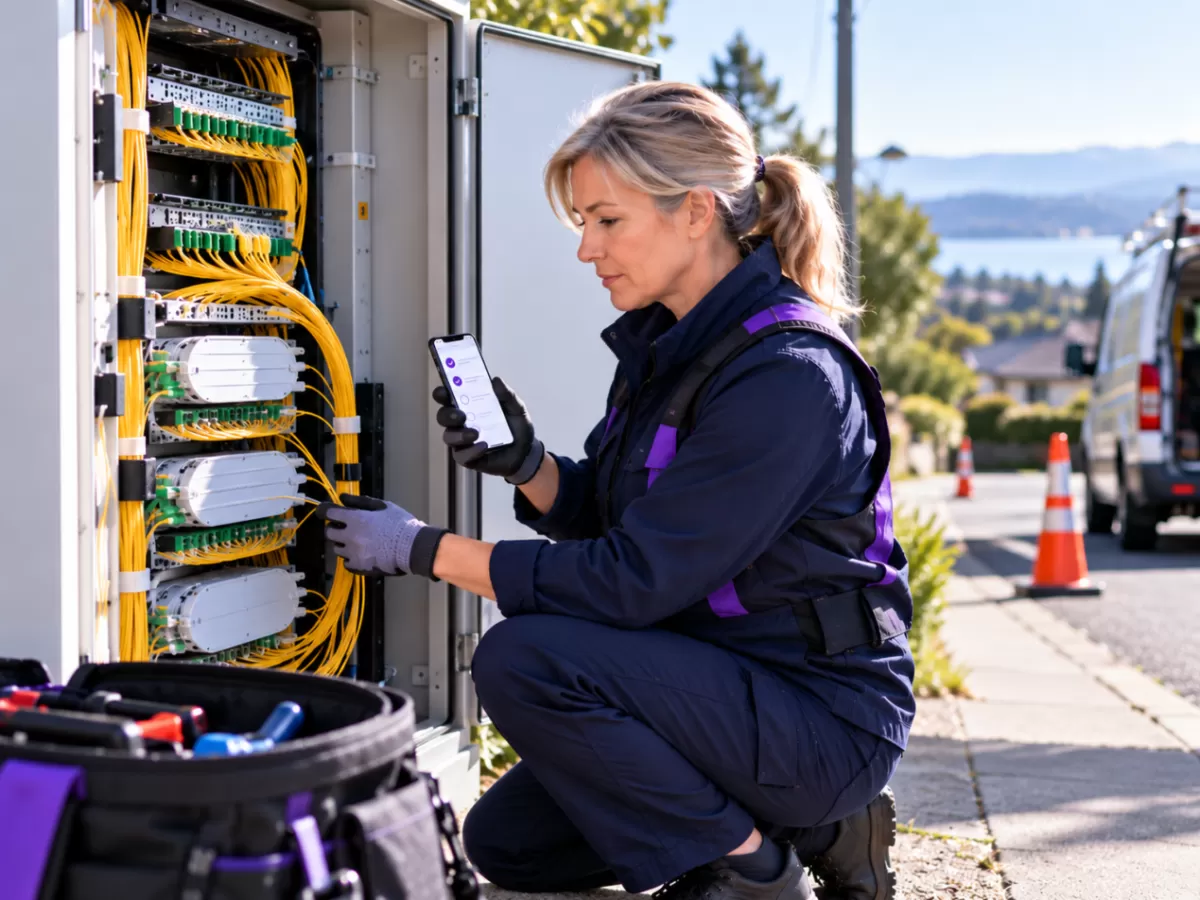
Send installation crews out and follow each order until the connection is live. Tower and network maintenance runs on schedule, and you can see crews on the map while they are on shift.
Sound familiar?
- Install appointments are missed and customers call to chase
- No proof of what was installed at each address
- Tower and cabinet maintenance relies on memory
How Movtro helps telecom and ISP teams
Install stages
Each stage from survey to active connection has the checks it needs.
Crew dispatch
Assign work to crews and plan each technician's route for the day.
Live map
See where crews are while they are clocked in, and replay a day's route.
Equipment and sites
Towers, cabinets and customer equipment are assets, each with its history.
Readings and photos
Signal readings and installation photos are recorded on the job.
Customer portal
Customers raise faults and follow their installation.
How it works
A typical job, start to finish
Each step is recorded as it happens, so the office can see how far along every job is.
Order becomes an install job
Crew assigned and routed
Install with readings and photos
Customer signs
Connection marked active
SIGN-UP TEMPLATE
Ready-made for telecom and ISP work
Choose Utilities & telecom when you sign up. Stages, job types and checklists arrive already named for your work, and you can change any of them.
Questions from telecom and ISP teams
Can we track installation crews?
Yes. Crews show on the live map while they are clocked in, and you can replay each day's route.
Can we record signal readings?
Yes. Add number questions with units and limits to the checklist.
Can towers have a maintenance history?
Yes. Add them as assets on their sites; every job is kept against them.
More on telecom and ISP
Other industries
Run your telecom and ISP work on Movtro
Start free with your own jobs, or talk to us about how your team works.