Every Field. OneIntelligentPlatform.
Manage employees, customers, assets, jobs and workflows in one field workforce management platform. You configure Movtro to fit your industry, whatever it is.
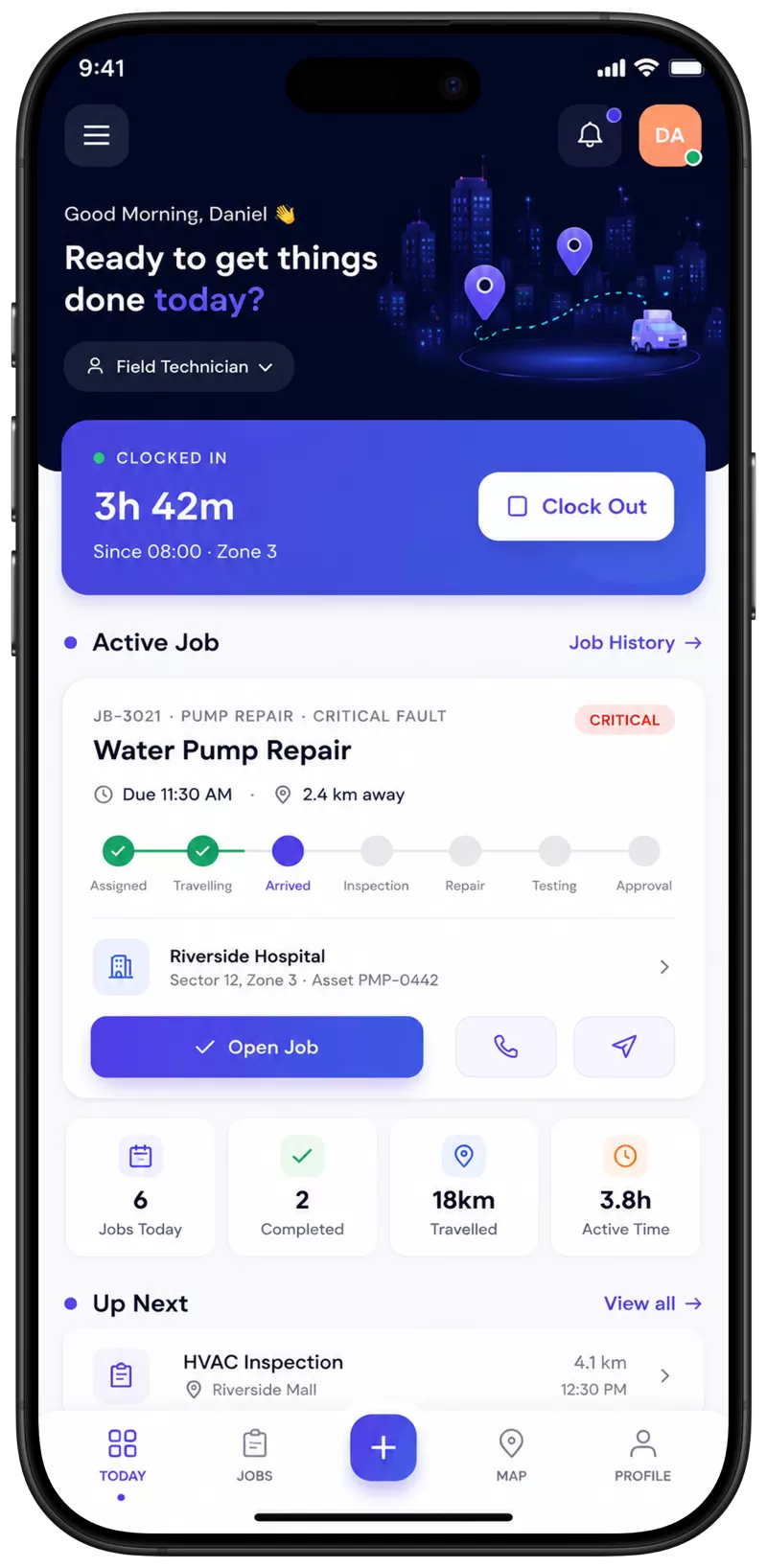
Live Tracking
See where your field team is in real time, as they move.
Smart Scheduling
Plan routes and schedules that save time and fuel.
Job Management
Create and assign jobs, then run each one through your own workflow.


Live Tracking
See where your field team is in real time, as they move.
Smart Scheduling
Plan routes and schedules that save time and fuel.
Job Management
Create and assign jobs, then run each one through your own workflow.
Field Operations Are Complex. Movtro Makes Them Simple
Replace spreadsheets, phone calls, and disconnected tools with one configurable system of record for every field activity.
Scattered tools and manual work
Switching between apps and spreadsheets all day slows your team down.
Connected, automated and in your control
Your team, jobs and results in one platform
built for field work.
Example figures
Team Performance




One Place To Run Field Operations
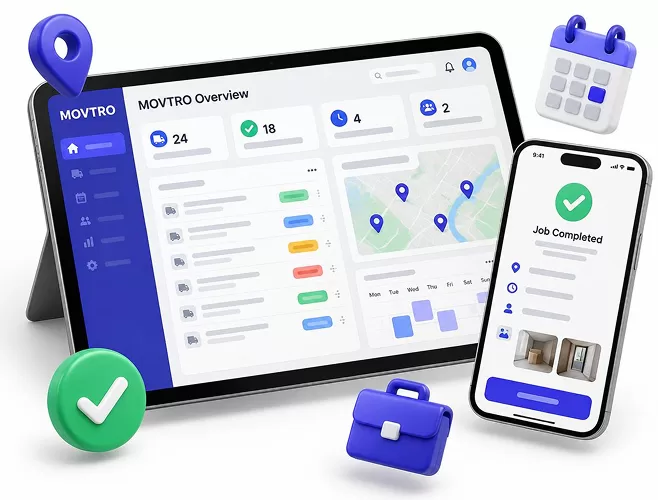
Customer records, job management and the field app, connected.
OVERVIEW
Customers, assets, employees and jobs sit in one configurable platform, made for teams who work in the field.
Customers & assets
Jobs & workflows
Field operations in one place
OVERVIEW
Customers, assets, employees and jobs sit in one configurable platform, made for teams who work in the field.
- Customers & assets
- Jobs & workflows
- Field operations in one place
JOB MANAGEMENT
Schedule jobs, sort them into job types and track the status of each one as the work moves along.
- Scheduling
- Status tracking
- Job types
MOBILE APP
Field employees manage their jobs, capture information and complete the work from the app.
- Job updates & check-ins
- GPS & route tracking
- Photos, documents & signatures
Built for the work your team does
Movtro sets itself up in your industry's own words, from HVAC call-outs to delivery drops.

HVAC
Service, repairs, installs and maintenance agreements

Facilities & building maintenance
Planned and reactive maintenance across buildings
See how it worksFacilities & building maintenance

Cleaning

Construction

Trucking & haulage

Delivery & courier
One Platform. Any Field Activity.
In Movtro, every field activity is a job with its own stages, forms, and rules. Here is one from request to close.
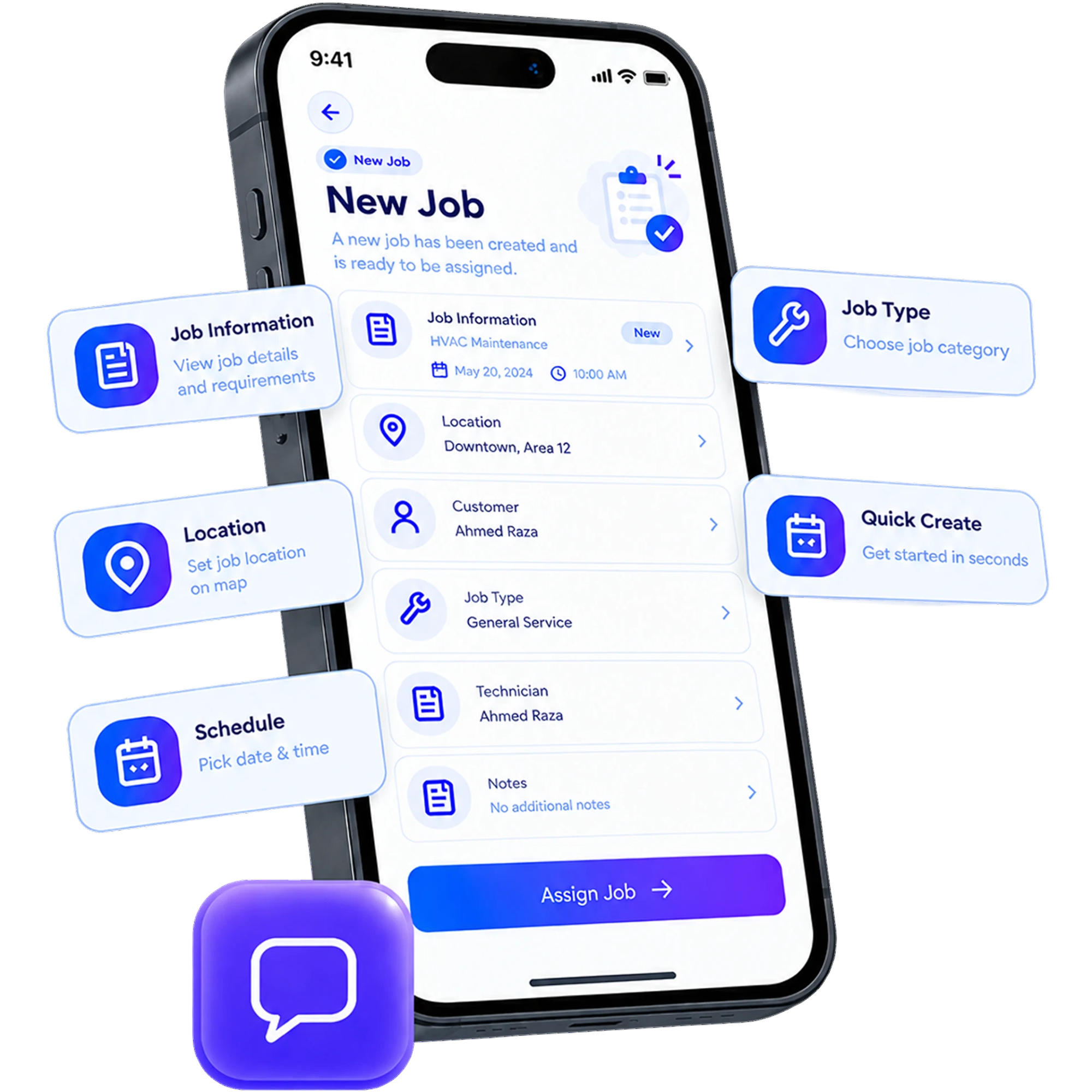
A new job lands in the system
A customer request becomes a job with all the details attached.
- 01. Job Created (New Request): A new job lands in the system. A customer request becomes a job with all the details attached.
- 02. Assigned (Technician Dispatched): The right technician gets the job. Movtro suggests who should go by skill, availability and distance, and the office assigns the job.
- 03. Traveling (En Route): On the way, tracked live. Follow the trip and see when your team is on the way to the site.
- 04. Repairing (Active Repair): Fixing it, one part at a time. Follow the workflow, use the right forms, and document the work performed.
- 05. Testing (Quality Assurance): Proving it actually works. Complete required checks and tests before the job can move forward.
- 06. Completed (Job Finished): Job done, customer confirms. Add photos, record findings and capture the customer's sign-off.
- 07. Job Closed (Archived & Synced): Archived, with the full trail. The report is reviewed and the job closed, with everything recorded on site kept.
What You Get With Movtro

Plan to start on, no card needed

Technician app works with no signal

Service report for every visit

Customers follow their jobs for free

Each company's data kept separate
Trusted by Teams Like Yours
My invoice was in my inbox before the technician even left the site. The whole visit felt effortless and our customers notice that difference immediately.

Nicole Foster
Operations Manager · Northline Facilities, Chicago